

Bills checked against stock
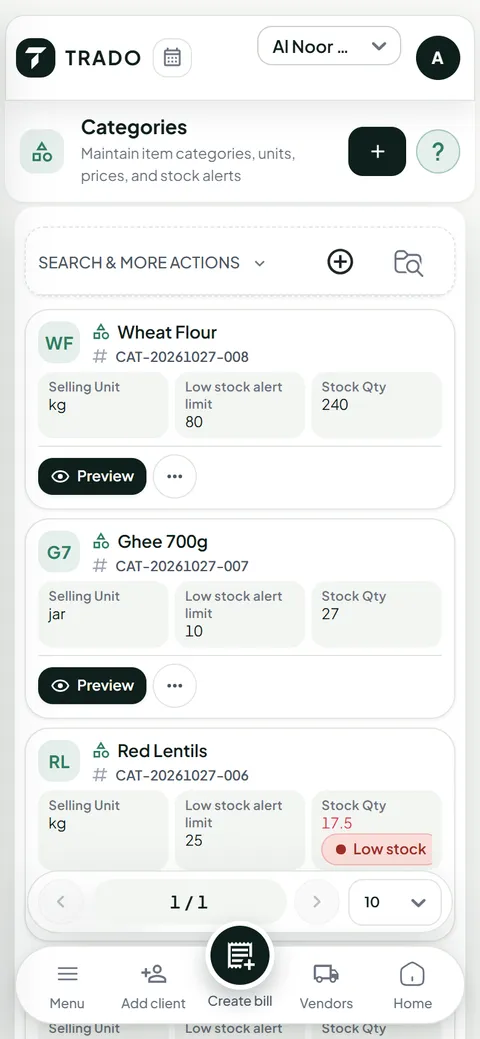
TRADO checks stock on every bill line and refuses to sell what is not there.
TRADO is a web dashboard for shops, wholesalers and warehouses. It records stock from vendors, bills to clients, payments, returns, expenses and stock counts, and lists every money movement in one ledger. In Arabic and English.
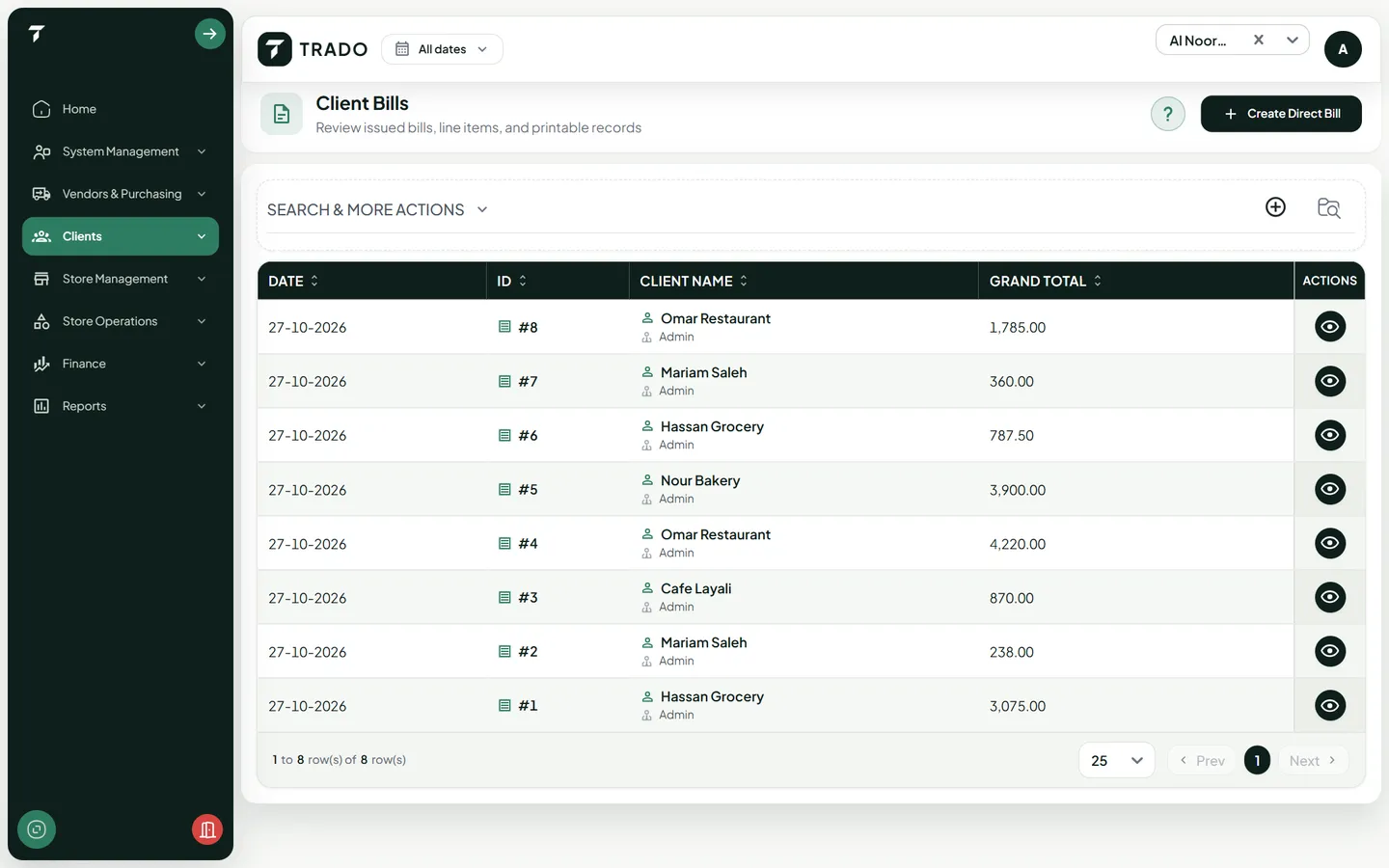
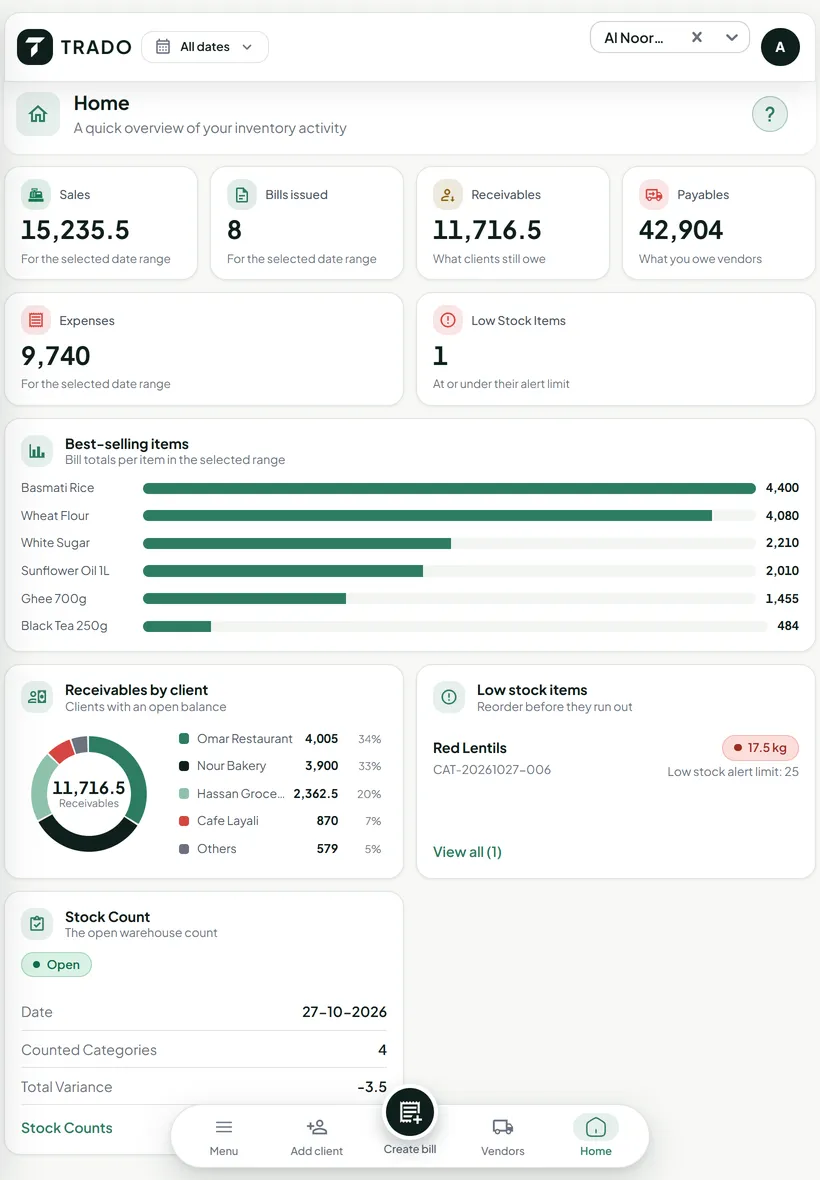
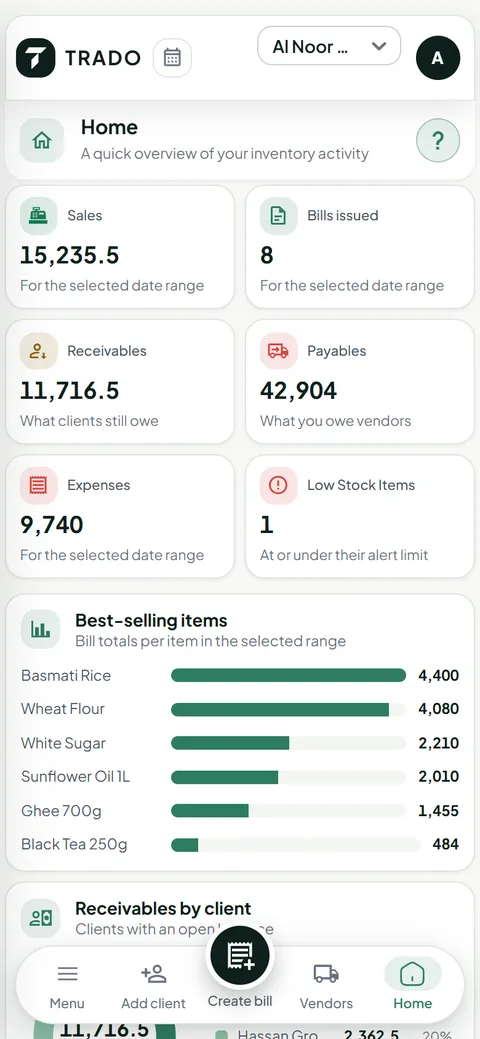
TRADO checks stock on every bill line and refuses to sell what is not there.
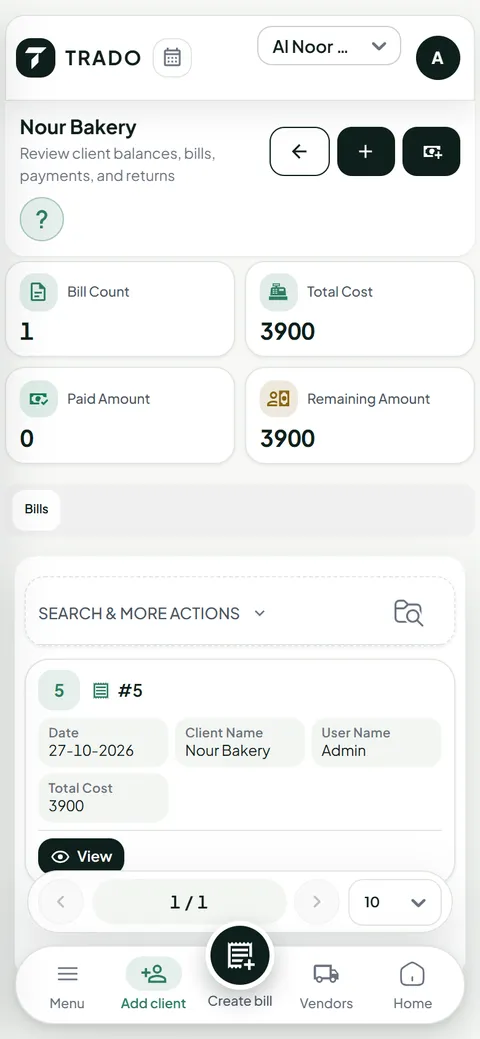
Each client page shows bills, paid and what is left. Every intake adds to the vendor’s balance.
Oil sells by the bottle, rice by the kilo. Whole-unit items refuse fractions; loose items take decimals.
Users only reach the stores they are assigned to. Owners can switch to one store or see them all.
Screenshots from the dashboard with a demo store and made-up data. Click a screen to enlarge it.
1 / 8
Six actions cover a store’s day. Each one updates stock, balances and the ledger at the same time.
Log a warehouse intake from a vendor. Stock goes up, the new cost and selling price apply, and the vendor’s balance grows by what you owe.
Bill a saved client, or a walk-in customer by name and phone. TRADO checks stock on every line and refuses to sell what is not there.
Record payments as they come in. The client’s page shows bills, paid amount and what is left.
Take items back against the original bill. They go back on the shelf, and the refund is the share actually charged, never more than was sold.
Open a stock count, type what is really on each shelf and see the difference item by item.
Intakes, bills, payments, returns, vendor payments and expenses are written to one dated money ledger.
We walk through TRADO with your kind of items, then help you set up your stores, items, vendors and users.
Intakes, bills, payments, returns and expenses are entered as they happen, each in the store it belongs to.
Count the shelves, open a client or vendor to see the balance, and read every money movement in one ledger.
TRADO runs in the browser on phones and tablets. On a phone, a tab bar at the bottom keeps Home, Items, Bills and Clients one tap away.
Open the dashboard in the browser and sign in with your phone number and password.
Write a bill, look up an item’s stock or a client’s balance, and enter a stock count from the phone in your hand.
Switch language from the top bar. Arabic turns the whole layout right to left.
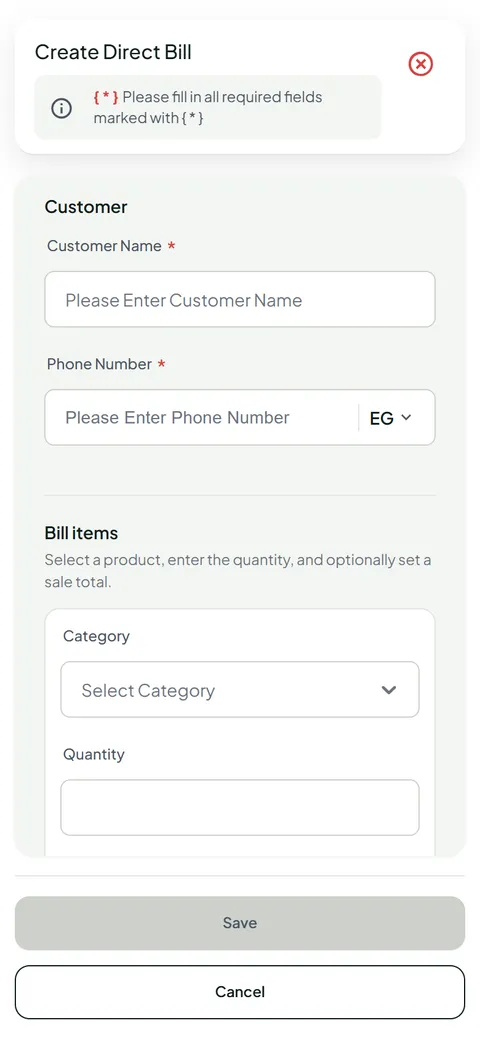
These checks run on the server for every entry, whoever makes it.
A bill cannot take more than is in stock, even when two cashiers sell the same item at once.
A return can never exceed what was sold on that bill, however it is split.
Oil sells by the bottle, rice by the kilo. Whole-unit items refuse fractions; loose items take decimals.
Each bill line keeps the price it was sold at and the list price, so discounts stay visible later.
Choose per role and per screen who can view, add, edit or delete.
Users only reach the stores they are assigned to. Owners can switch to one store or see them all.
Everything, including managing stores and branches.
Everything except managing stores.
Nothing until you tick the permissions it needs.
Add your own roles, such as a cashier, and tick per screen what each can view, add, edit or delete, plus returns and finance. The server checks every request, so a hidden button cannot be worked around.
Six people who use TRADO in a store: their day before TRADO, and now.
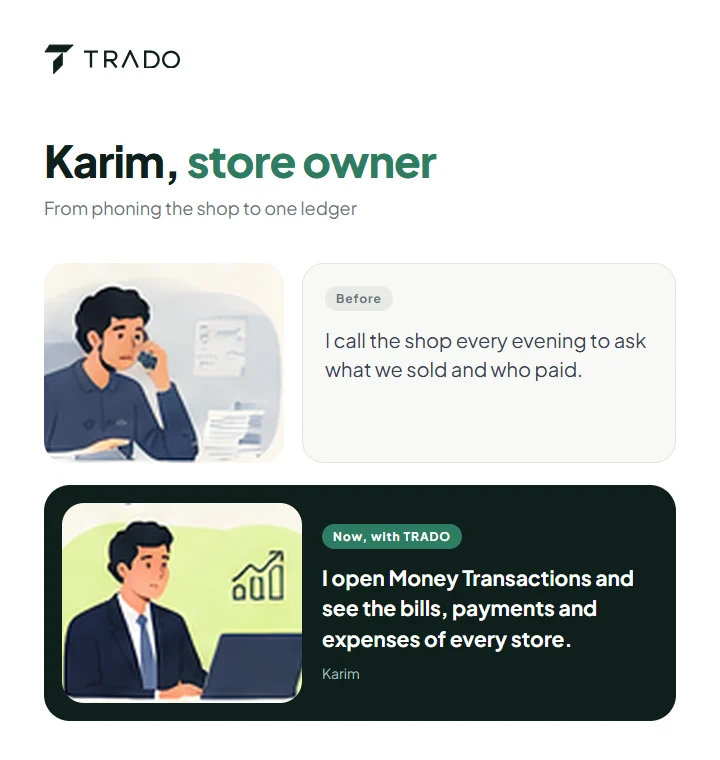
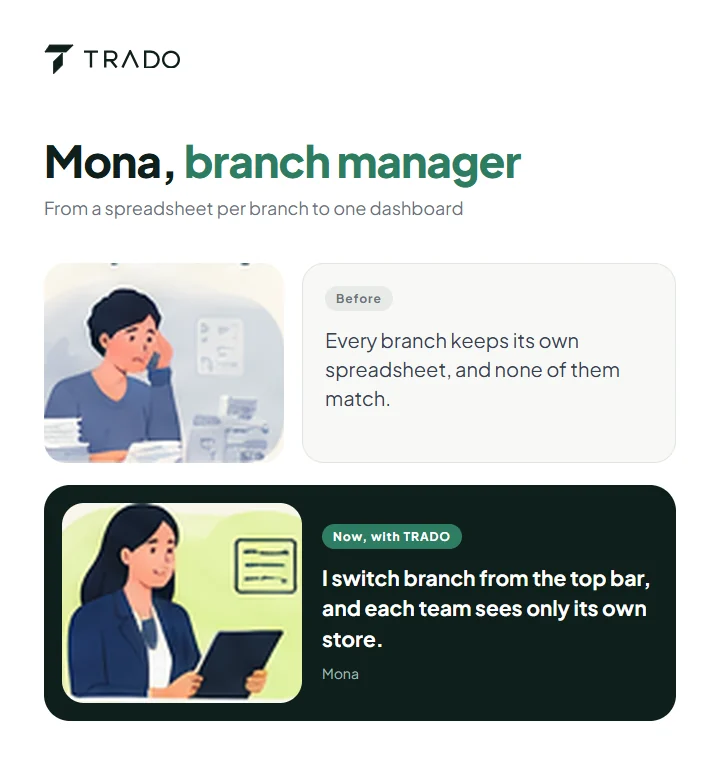
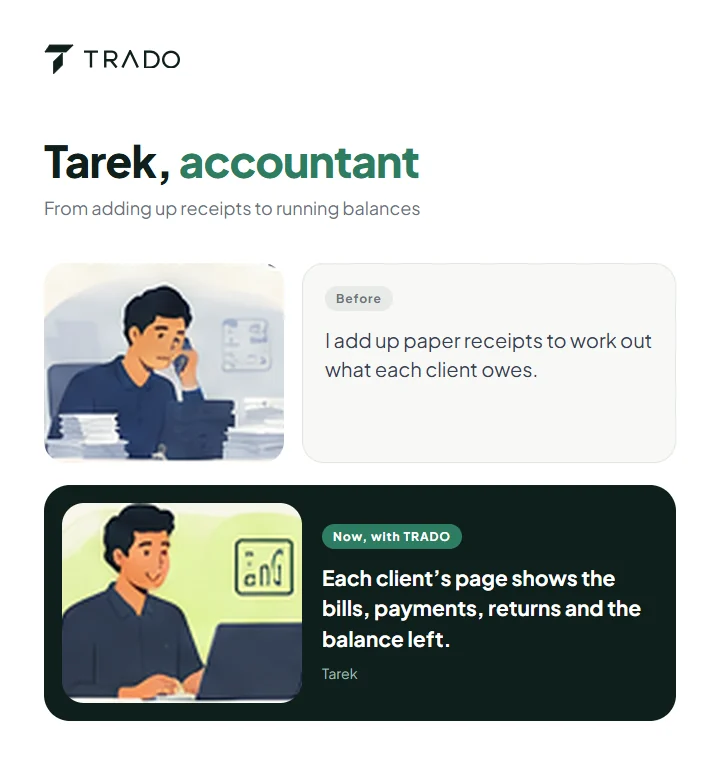
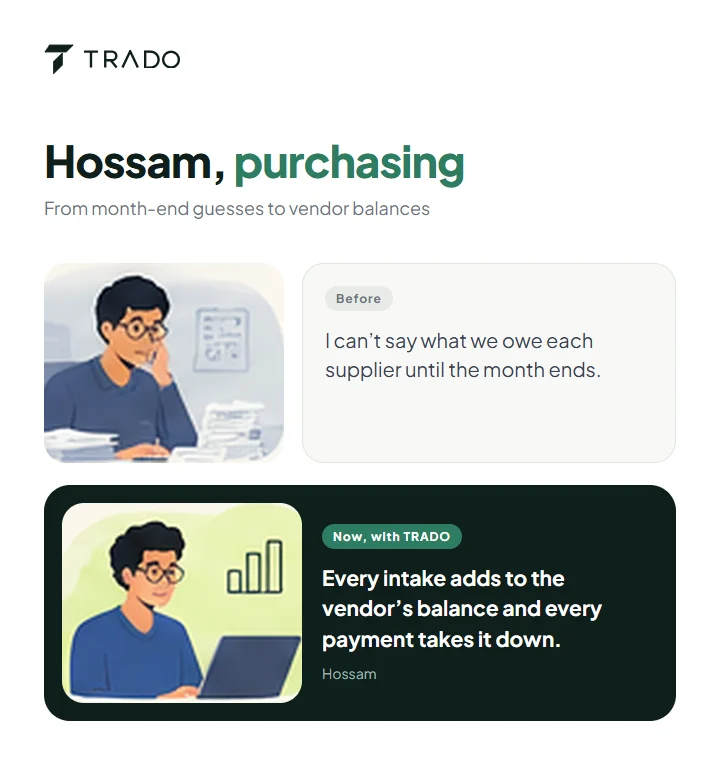
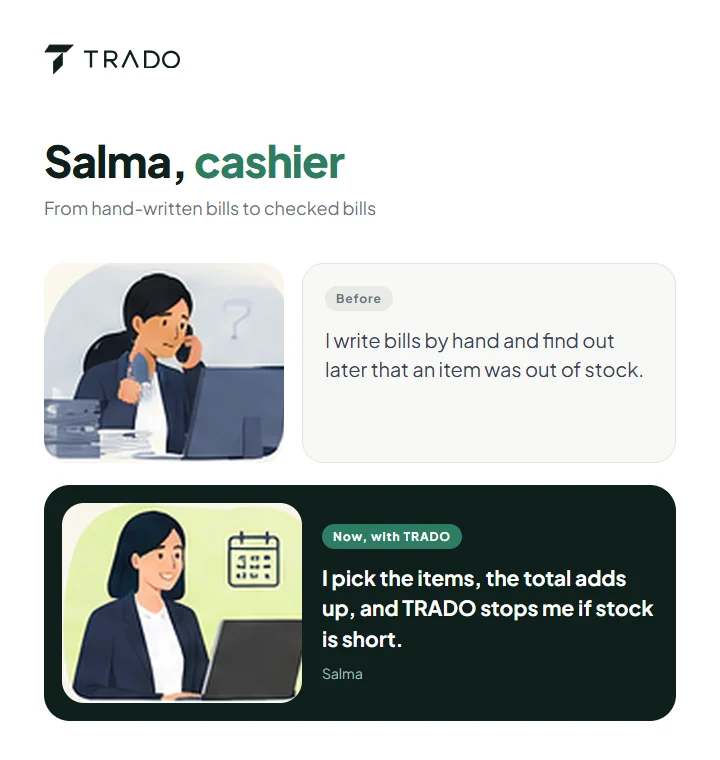
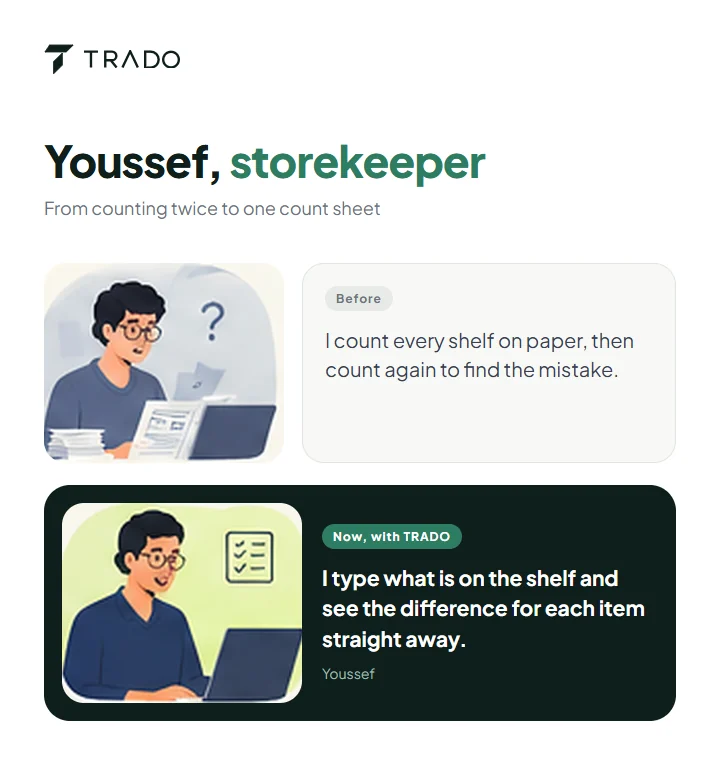
The people are made up. Each “now” line describes a TRADO screen as it works today.
TRADO is quoted per customer, so there is no public price list. We look at your stores and your items first.
Tell us what you sell, whether some items go by weight, how many stores or branches you run and who will use it. We reply to arrange a demo with items like yours.
Book a demoNo price is published. Tell us about your business and we will send a quote.
Shops, wholesalers and warehouses that sell from stock and give their customers credit: groceries, building materials, spare parts, household goods and similar stores.
Yes. Add stores and branches, assign each user to the stores they work in, and switch store from the top bar. Owners can also look across all their stores at once.
Yes. Mark an item as sold loose and its quantities take decimals, such as 2.5 kg. Items sold in whole units refuse fractions.
You pick the bill and the lines being returned. The items go back into stock and the client’s balance drops by the share of the line they actually paid. TRADO will not accept more than was sold.
Open a count, enter what is on the shelf for each item and save. TRADO compares it with the stock on record and shows the difference per item and in total.
TRADO is quoted per customer, so there is no public price. Tell us about your stores and items and we will send a quote.
Book a demo. We walk through TRADO with your kind of items, then help you set up your stores, items, vendors and users.
A Grotics product: TRADO